

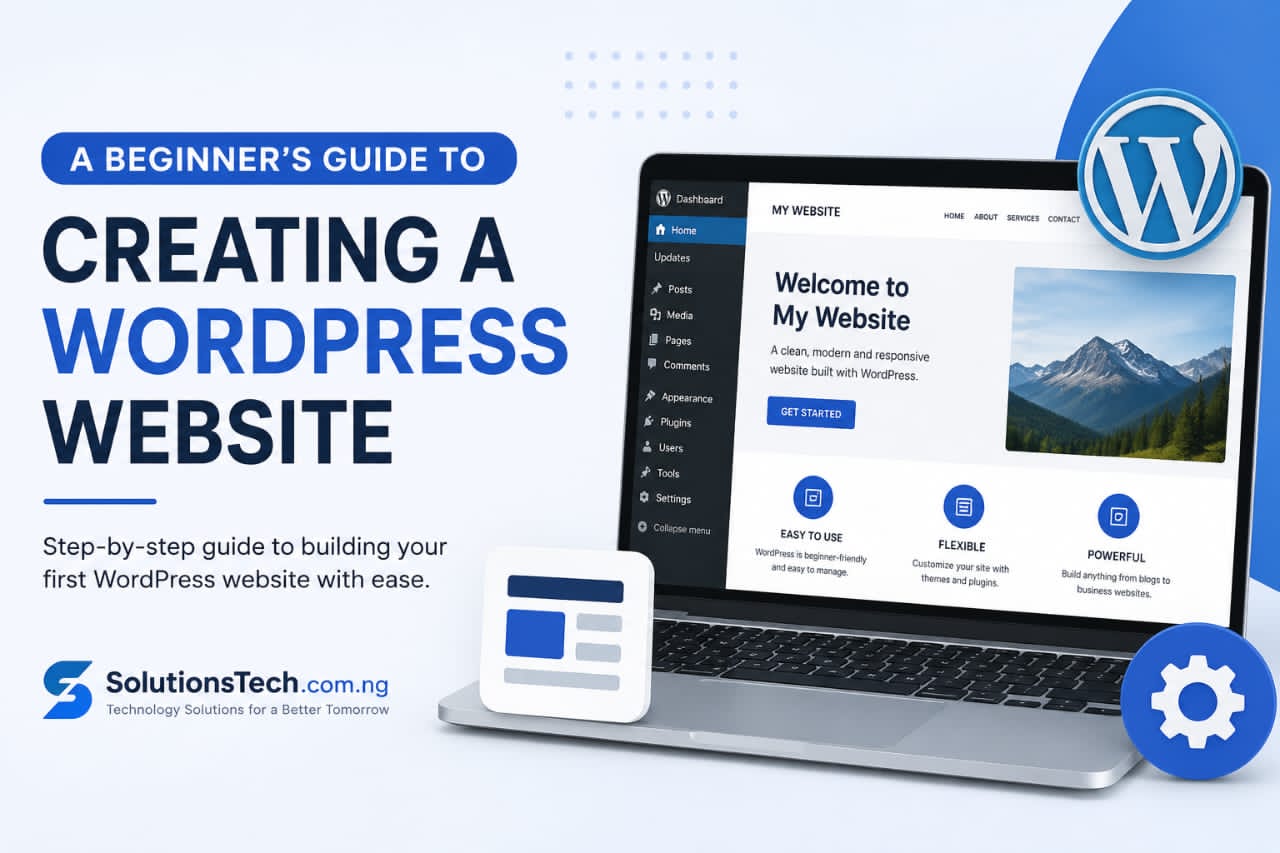
Beginner’s Guide to Building a WordPress Website
Introduction
In today’s digital world, having a website is no longer optional. Whether you are a business owner, blogger, church, ministry, freelancer, or entrepreneur, a website helps you establish credibility and reach a wider audience.
WordPress is the world’s most popular website-building platform, powering millions of websites globally. It is user-friendly, flexible, and suitable for beginners.
This guide will walk you through the process of creating a WordPress website from scratch.
Step 1: Choose a Domain Name
A domain name is your website address on the internet.
Examples:
• TonyAkako.com.ng
• SolutionsTech.com.ng
• DominionHosts.com.ng
Choose a domain name that:
• Is easy to remember
• Reflects your brand
• Is easy to spell
• Avoids unnecessary numbers and symbols
Step 2: Purchase Web Hosting
Web hosting is the service that stores your website files online.
When choosing a hosting provider, look for:
• Fast loading speed
• Good customer support
• Reliable uptime
• Free SSL certificate
• Daily backups
Step 3: Install WordPress
Most hosting providers offer one-click WordPress installation.
After installation:
• Log in to your dashboard
• Configure your site title
• Set your tagline
• Adjust your permalink settings
Step 4: Choose a Theme
A WordPress theme controls your website’s appearance.
Popular theme categories include:
• Business themes
• Blog themes
• News themes
• E-commerce themes
• Portfolio themes
Select a responsive theme that works well on mobile devices.
Step 5: Install Essential Plugins
Recommended plugins include:
Security
Protects your website from hackers.
SEO Plugin
Helps improve search engine rankings.
Backup Plugin
Creates regular website backups.
Contact Form Plugin
Allows visitors to contact you.
Caching Plugin
Improves website speed.
Step 6: Create Important Pages
Every website should have:
Home Page
Introduces your business.
About Page
Tells visitors who you are.
Services Page
Describes your offerings.
Blog Page
Publishes useful content.
Contact Page
Provides communication channels.
Step 7: Customize Your Website
Add:
• Logo
• Colors
• Navigation menu
• Header image
• Widgets
Ensure your branding remains consistent throughout the site.
Step 8: Publish Content
Create valuable content that helps your audience solve problems.
Examples:
• Tutorials
• Reviews
• How-to guides
• Industry news
Step 9: Optimize for SEO
SEO helps people find your website.
Best practices include:
• Using keywords naturally
• Writing quality content
• Optimizing images
• Creating internal links
• Improving page speed
Step 10: Maintain Your Website
Regularly:
• Update WordPress
• Update plugins
• Backup your website
• Monitor security
• Review analytics
Conclusion
Building a WordPress website is easier than ever. By following these steps, you can create a professional online presence that helps grow your brand, business, or ministry.
About the Author